Introduction
A domain sale may seem complete once the money changes hands. But payment is only one part of the transaction. The buyer must gain control of the domain without exposing the seller’s other assets or disrupting connected services. The domain transfer steps in this guide help both parties plan that change of control.
A safe handover is planned, not rushed. Both parties should agree on the steps, make sure the buyer can manage the domain independently, and keep a record of what they do. Following clear domain transfer steps protects the domain and helps prevent technical problems from turning into disputes.
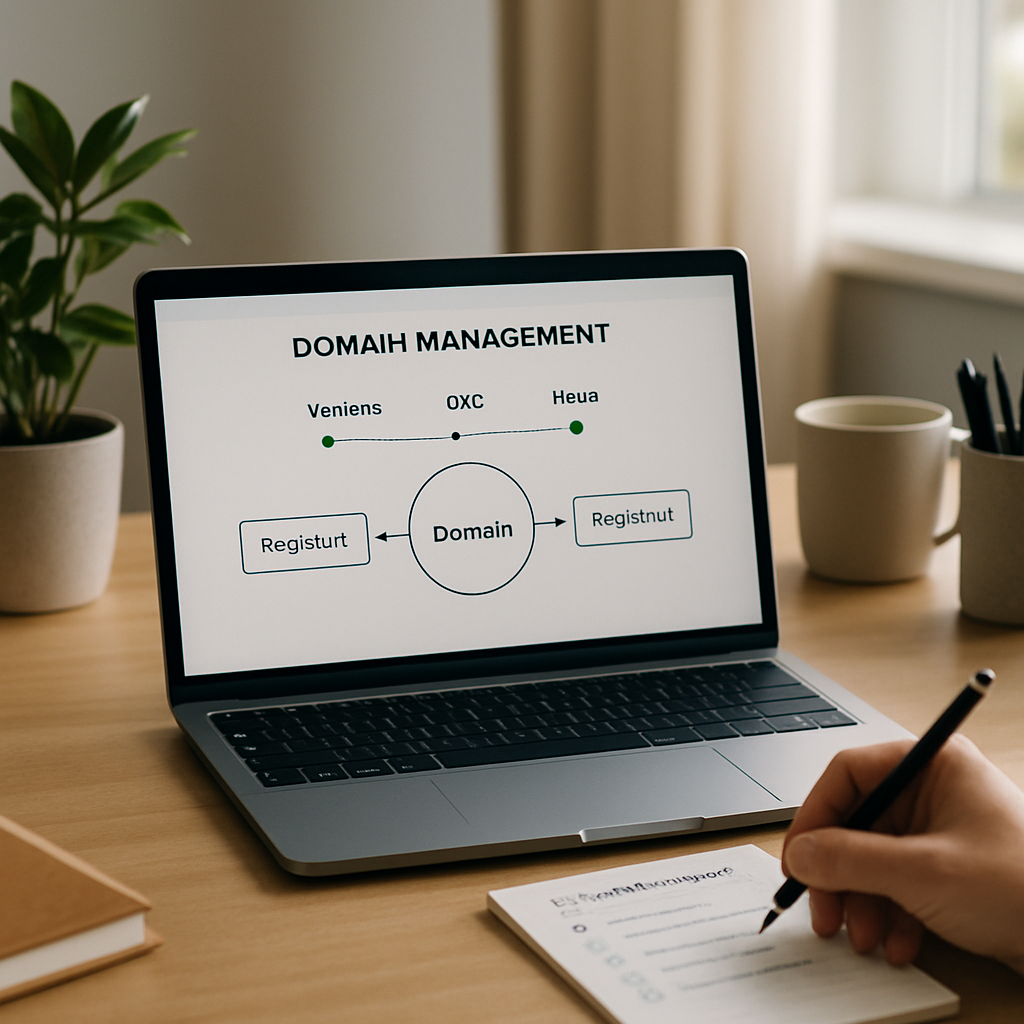
The people involved: seller, buyer and registrar
The seller must confirm that the domain is eligible for transfer, remove any restrictions that can be lifted, and provide the required authorization. These early domain transfer steps should not include handing over the seller’s personal registrar account. If it contains other domains, payment details or private contact information, sharing its login gives the buyer access to more than the sale requires.
The buyer needs a registrar account in their own name, a working email address and strong account security. They should be ready to accept the domain and manage its settings before the transfer begins. Setting up the account in advance is one of the domain transfer steps that can prevent delays. If the buyer cannot access the account or approve a confirmation email, the transfer may stall even when both parties are acting in good faith.
The registrar processes the transfer, but it may not be the company hosting the website or email. Its procedures and timelines affect the handover, and rules can vary by domain ending. Since domain transfer steps differ between registrars and domain endings, check the requirements for the specific domain rather than assuming they are all the same.
Key factors
Start by confirming ownership. The seller should check that the domain appears in an account they control, that the registrant details are accurate, and that no court order, expiry issue or other restriction applies. Confirming domain ownership is an essential part of the domain transfer steps. The buyer should get written confirmation of what the sale includes, such as related services, website content or email accounts.
Next, check eligibility and timing. Some domain endings have a transfer lock after registration or a recent change of registrant. Registrars may also apply additional security holds. The seller should check the domain’s status and renewal date. A domain close to expiry may need special handling, and a transfer does not always extend the registration. Checking these details before proceeding keeps the domain transfer steps on schedule.
Once the domain is eligible, the seller can unlock it if needed and obtain the transfer authorization code, sometimes called an EPP code. Obtaining and protecting this code is one of the most sensitive domain transfer steps. Treat it as confidential: share it through an agreed secure channel only when the buyer is ready to start the transfer. Never publish it or put it in a document that others can access. The buyer enters the code in their own registrar account and follows the required confirmation steps.
Both parties should use unique passwords and two-factor authentication. The seller should not share account credentials, recovery codes or access to an email account used for unrelated services. Protecting each account is a practical part of the domain transfer steps and supports a secure handover. If the registrar sends an approval email, confirm which address will receive it and make sure the right person can respond promptly.
Plan for service continuity before changing nameservers or DNS records. Recording the current DNS setup is one of the domain transfer steps that helps avoid disruption. A registrar transfer often leaves the existing DNS configuration unchanged, but this is not guaranteed. Record the nameservers and key records for the website, email and verification services. Pay special attention to DNSSEC: mismatched signing information can make the domain unreachable.
Keep the domain separate from services not included in the sale. The seller should remove personal payment methods and unrelated assets from any account the buyer will use. The buyer should confirm they control the domain and can change its settings. A transfer notification alone does not prove that the website, email and other connected services are working, so testing them belongs among the final domain transfer steps.
Keep records of the agreed sale terms, payment, authorization, transfer status and final proof of ownership. After the transfer, confirm that the domain appears in the buyer’s account, check its expiry and renewal settings, review the nameservers and DNS records, and make sure the buyer can manage it without the seller’s credentials. This post-sale checklist completes the domain transfer steps and gives both parties a record of the outcome.
Example: a controlled handover
Imagine a small business selling its brand and domain to a new owner. Before starting, the parties agree that the website and email must stay online, check that the domain is eligible for transfer, and list the hosting and mailbox services included in the sale. The seller keeps the existing setup running while the buyer prepares a separate registrar account. These preparations are domain transfer steps that clarify what is changing hands.
The seller unlocks the domain and shares the authorization code securely. The buyer starts the transfer, responds to the confirmation requests and follows the registrar’s updates. While the transfer is underway, neither party makes unnecessary DNS changes. They monitor the website and email and keep existing services running until the buyer has verified the new account. Together, these domain transfer steps make the handover easier to track.
After the transfer, the buyer confirms that the domain is under their control, checks renewal and contact settings, and tests the website and email. If a problem arises, the saved DNS details and transaction records can help identify whether it involves the registrar, hosting provider or a changed record. The seller then removes any remaining access granted for the handover.
Conclusion
A domain transfer may be a small project, but mistakes can have serious consequences. A missed approval can delay the transfer, a shared password can expose unrelated assets, and a careless DNS change can disrupt a business. To avoid these problems, check eligibility, keep accounts separate, protect the authorization code and test services after the transfer.
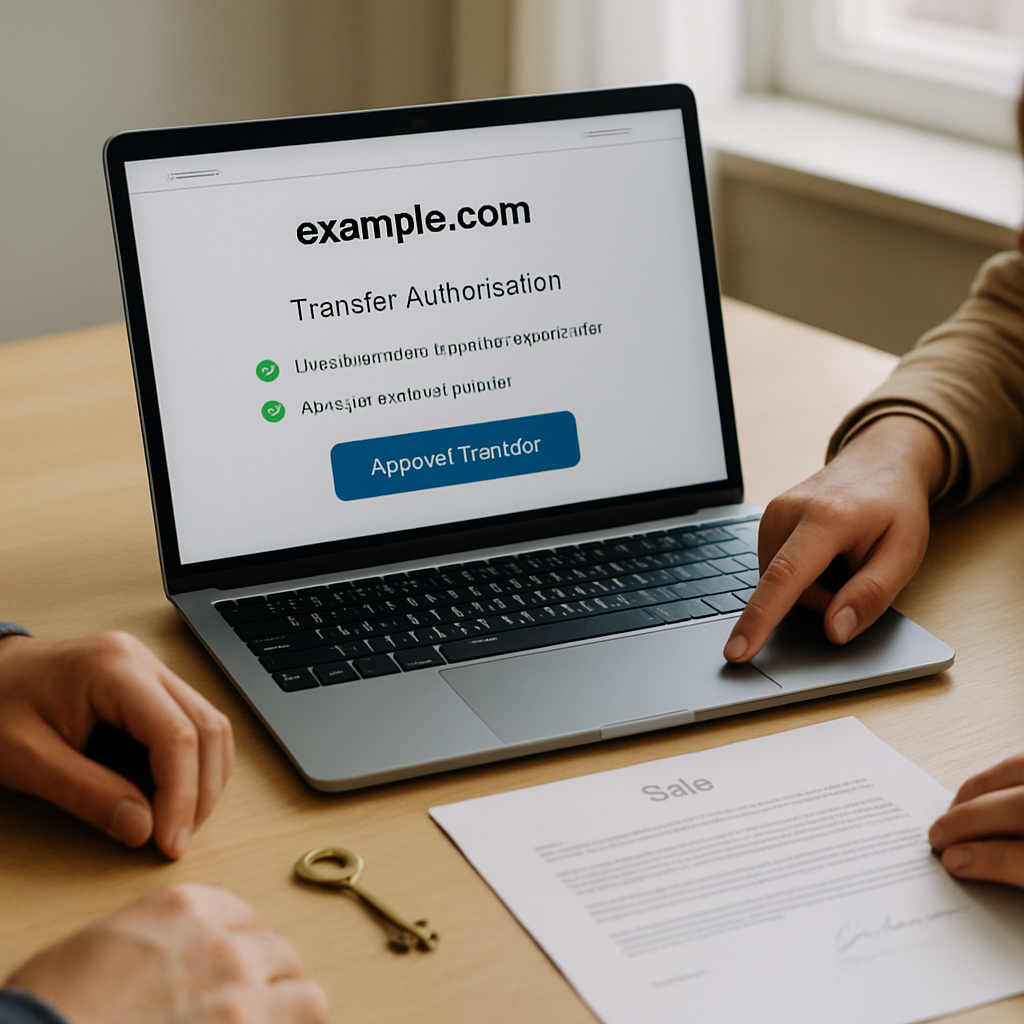
When both parties understand their roles and document the process, the transfer is straightforward. The sale is complete when the buyer has independent control of the domain and the agreed services are working—not simply when the payment clears.